
IPTVIQ on Apple Vision Pro.
Your IPTV, in your space.
A native visionOS player for the IPTV sources you already have. Add an Xtream Codes login or an M3U/M3U8 playlist, then browse Live TV with a guide, Movies and Series in a window in your space.
IPTVIQ is a media player. It does not include, sell or supply any channel, playlist or subscription: you bring a source you are authorized to use.
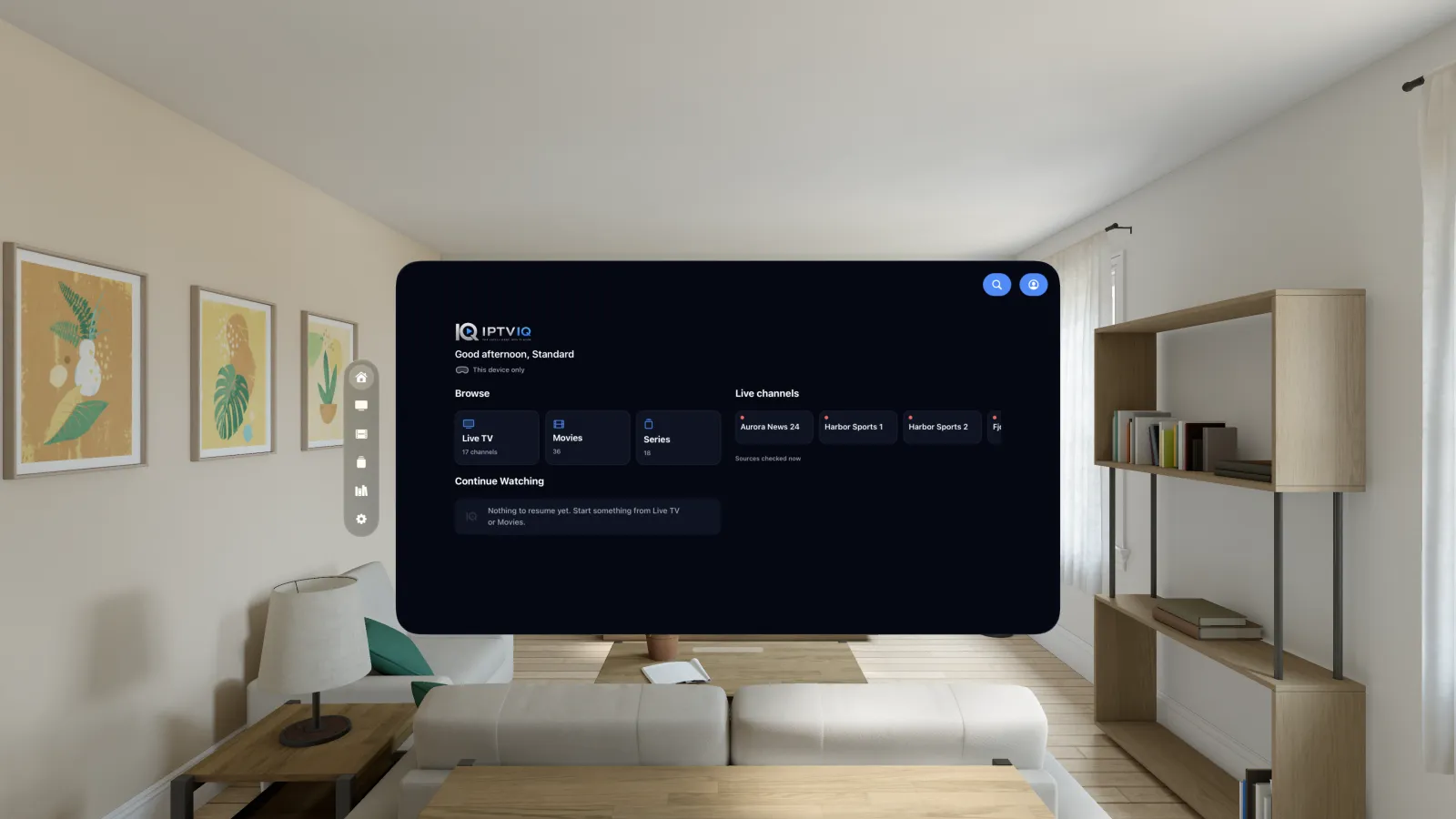
Where Apple Vision Pro actually stands.
We update this section when the real status changes, never before.
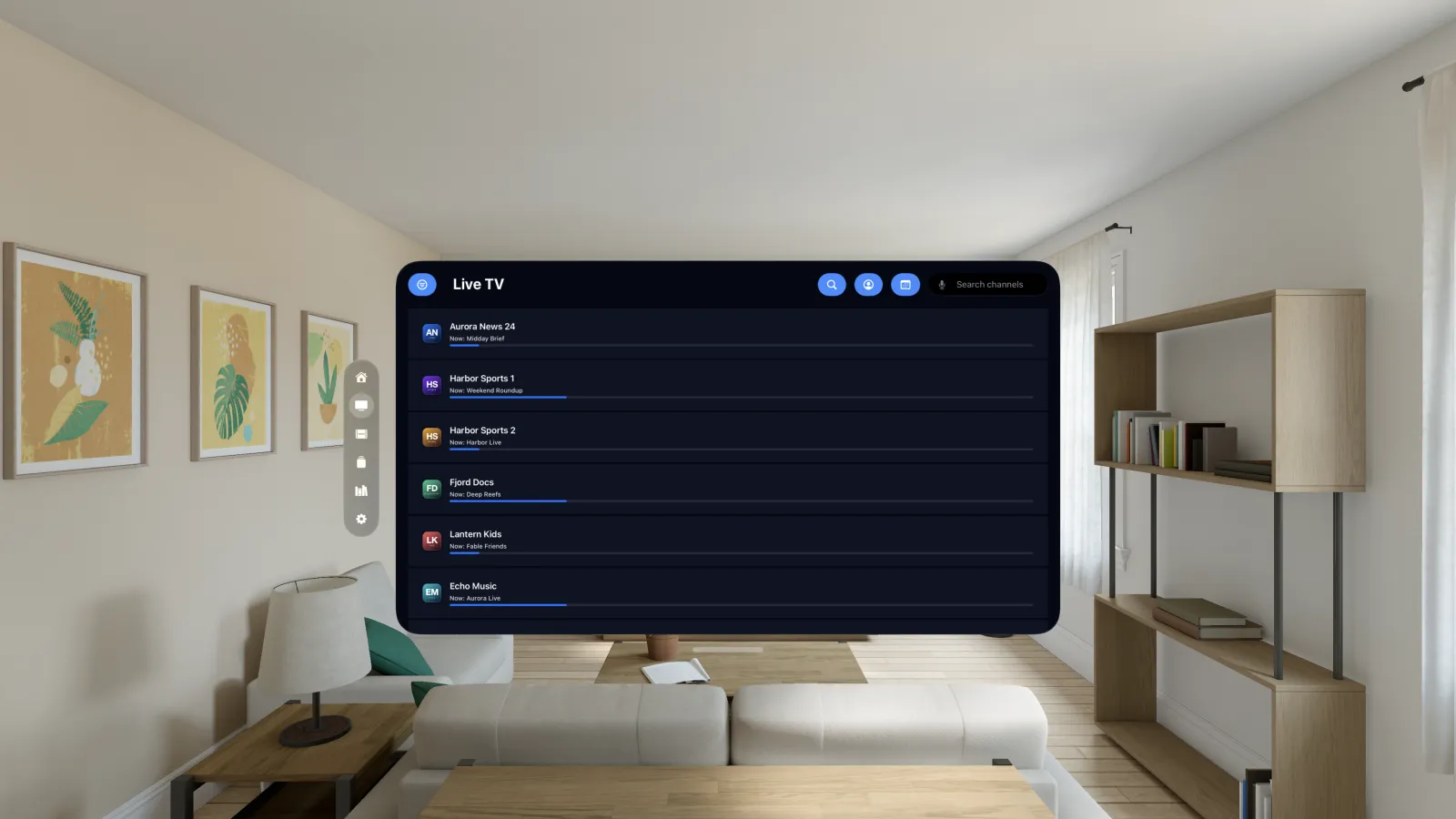
Channels and a guide.
Browse your provider's live channels with what is on now, search for a channel, open the programme guide where your source supplies one, and keep favourites close.
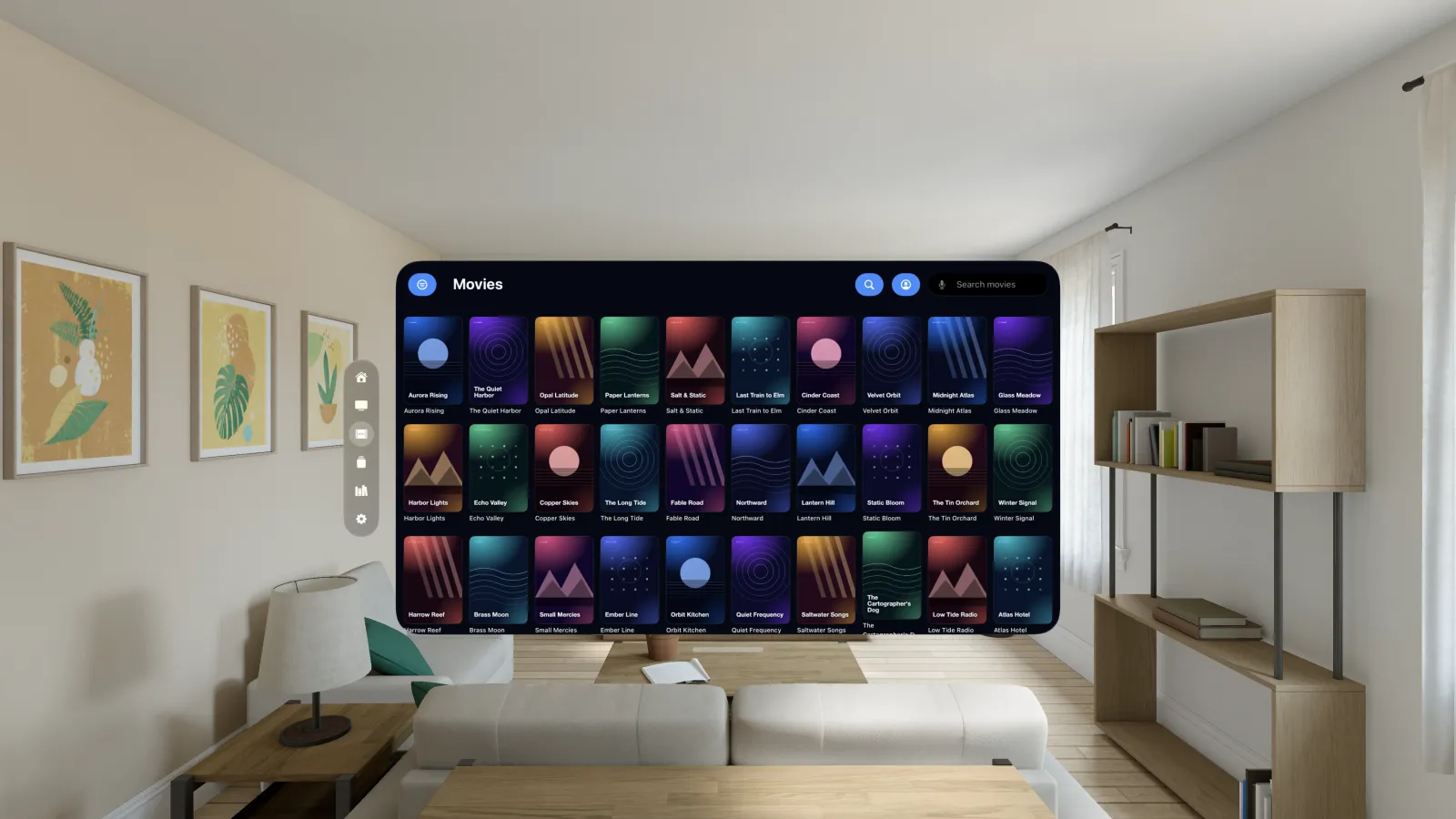
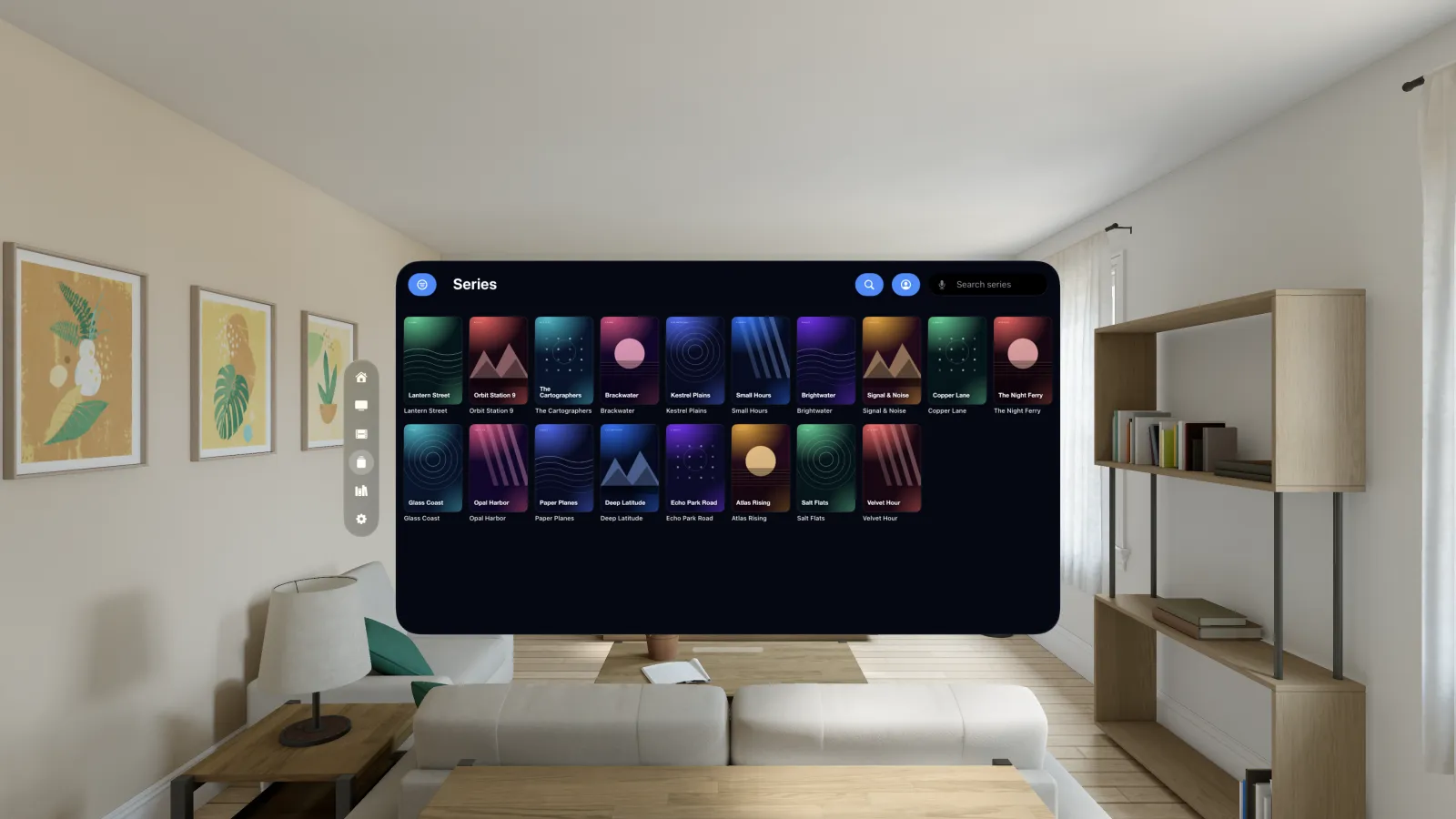
Your provider's library, organised.
Movies and Series are laid out as posters, and Continue Watching on Home takes you back to where you stopped. IPTVIQ shows only what your provider sends.
Profiles and a Parental PIN.
Protect settings with a Parental PIN. With Premium, add more sources and profiles, including Kids profiles that only see what a parent approves.
Install, then add your source.
- Install. Download IPTVIQ from the App Store on your Apple Vision Pro.
- Open IPTVIQ. A new install starts with an empty library. IPTVIQ never ships with channels, playlists or sources.
- Add your source. Enter your provider's Xtream Codes login, or the link to an M3U/M3U8 playlist.
- Browse. Live TV, Movies and Series fill in from your source. Use only sources you are authorized to use.
- Optional account. You can use IPTVIQ without registering. If you want online management, sign in or create an account on the IPTVIQ portal.
More help: FAQ, How it works, Compatibility, Support, the macOS page and the Apple TV page.