
IPTVIQ on Apple TV.
Built for the Siri Remote.
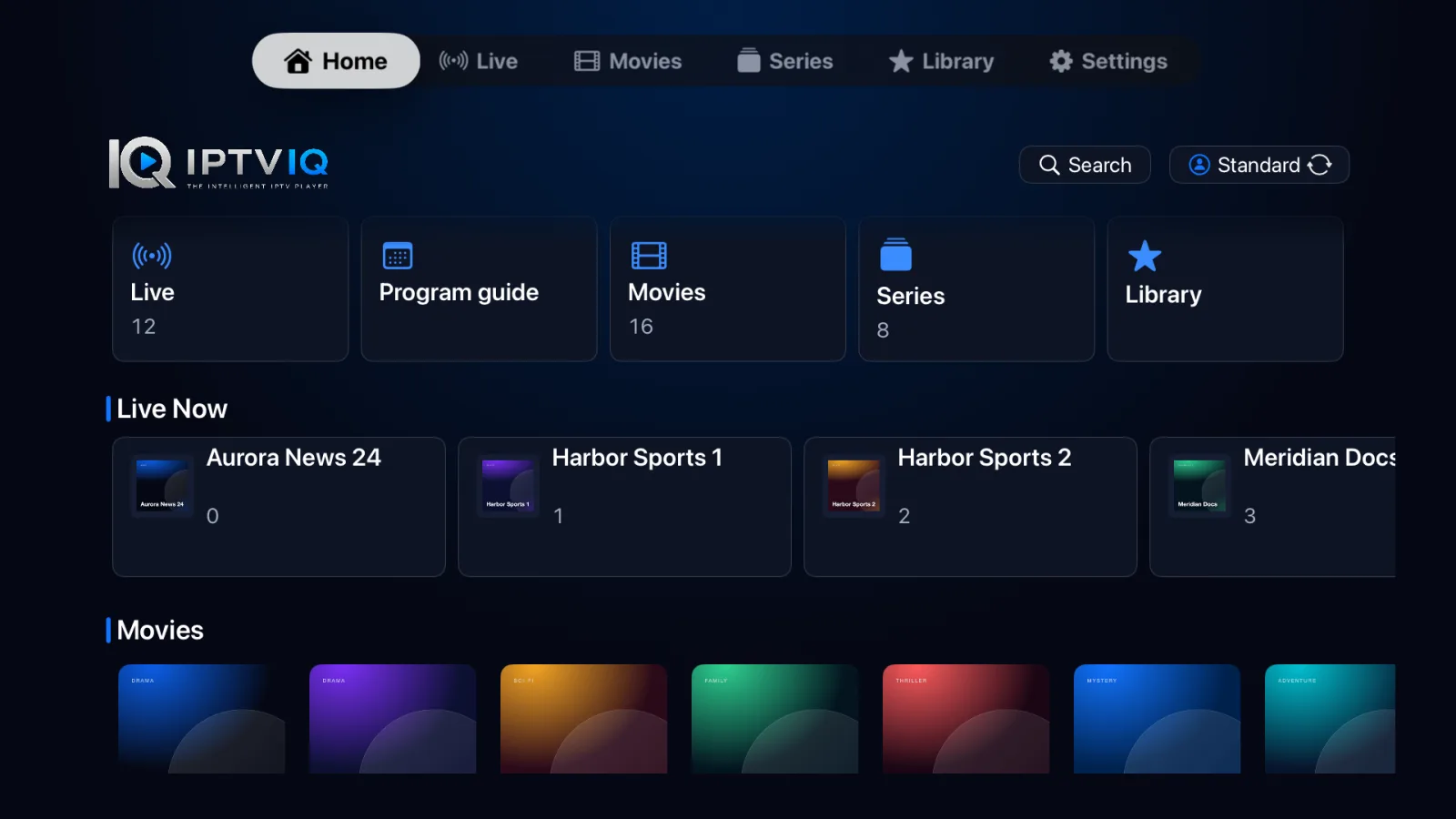
A native tvOS player for the IPTV sources you already have. Add an Xtream or M3U source from your phone, then browse Live TV, Movies and Series with the remote in your hand.
IPTVIQ is a media player. It does not include, sell or supply any channel, playlist or subscription: you bring a source you are authorized to use.
Where Apple TV actually stands.
We update this section when the real status changes, never before.
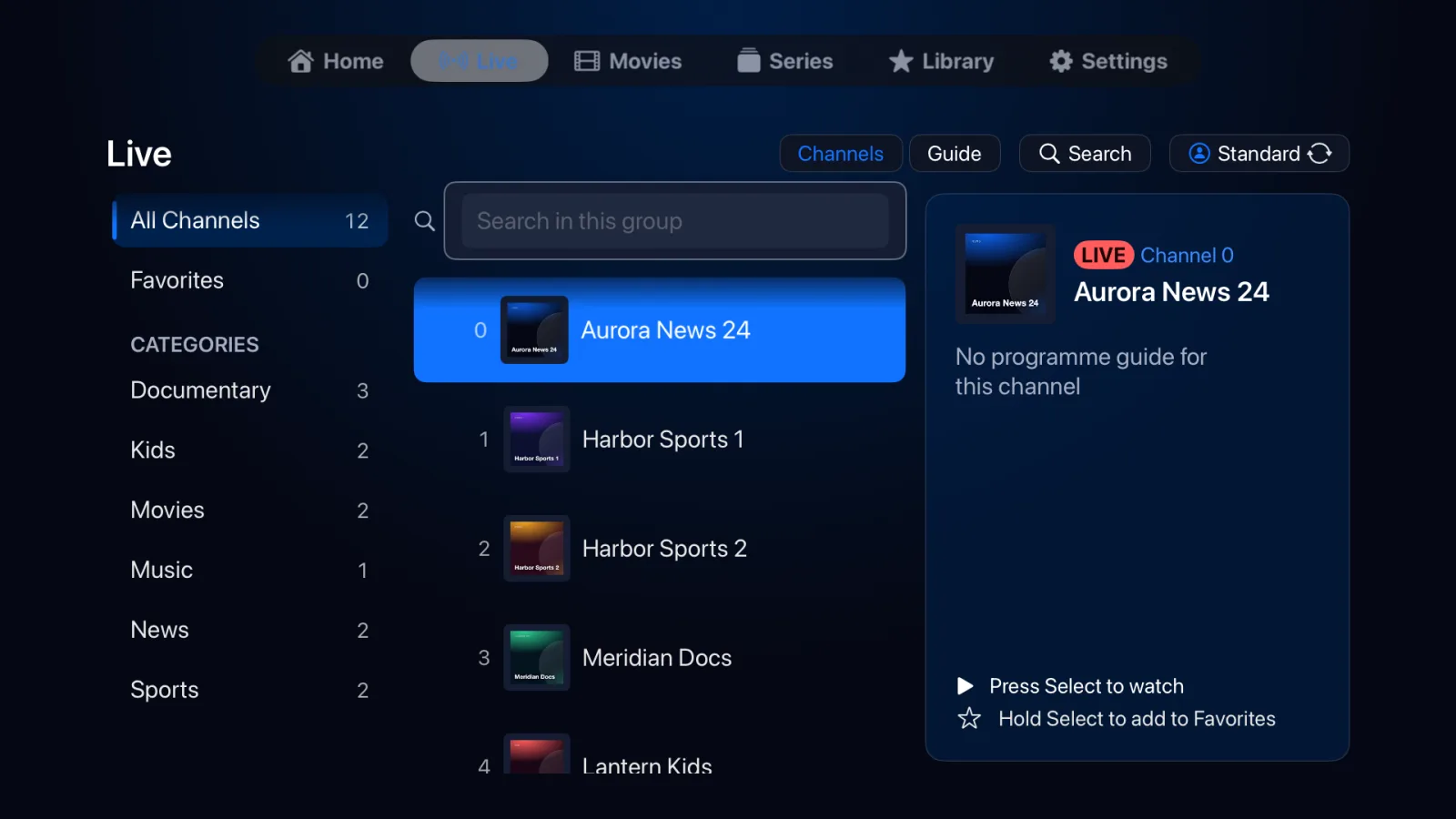
Channels, categories and a guide.
Browse your provider's channels by category, search within a group, open the programme guide where your source supplies one, and mark favourites. Pressing Select starts a channel; holding Select adds it to Favorites.
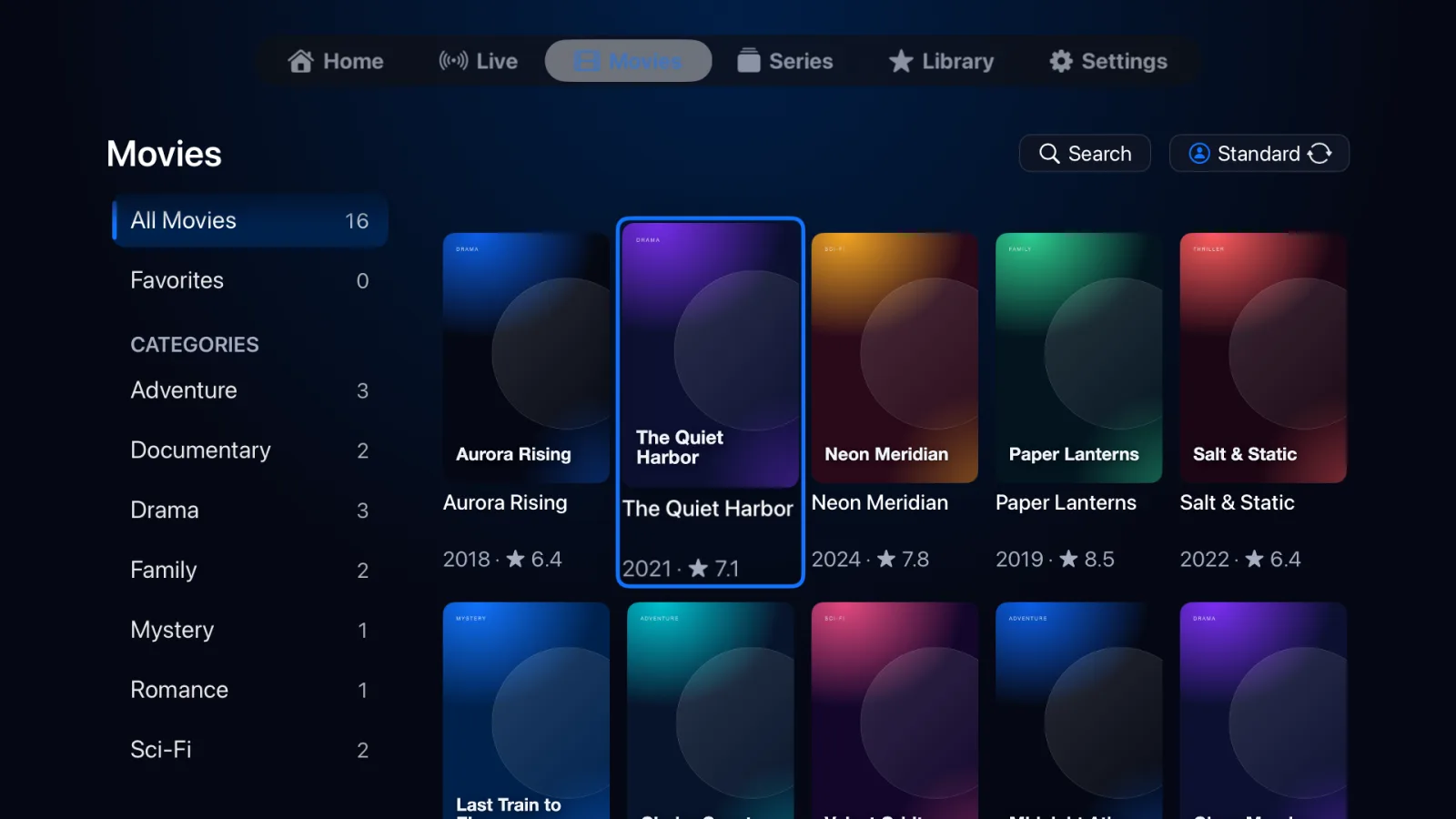
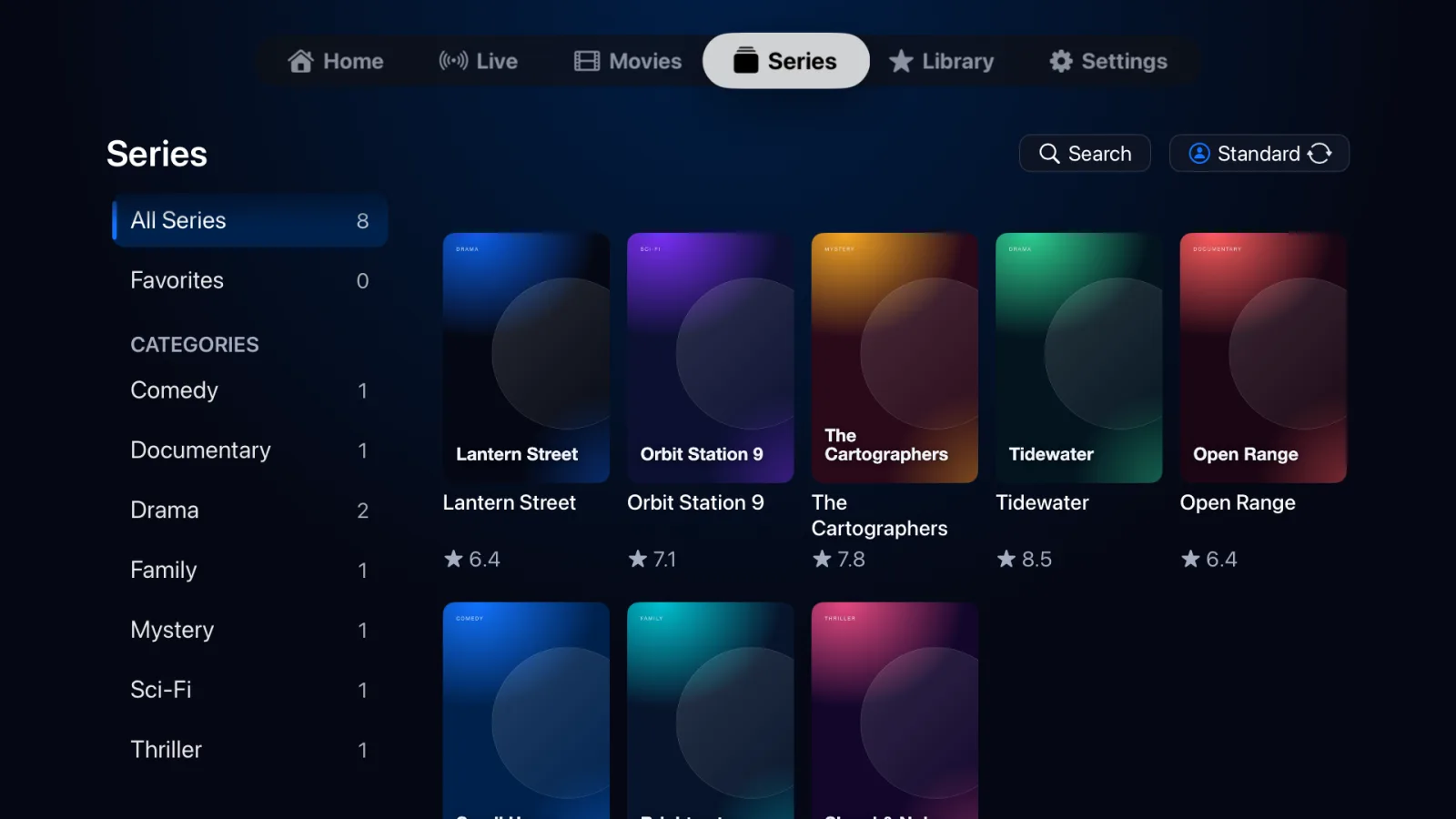
Your provider's library, organised.
Movies and Series are laid out as posters with year and rating. Playback remembers where you stopped, and series move on to the next episode. IPTVIQ shows only what your provider sends.
Controls that stay out of the way.
A single capsule of controls appears when you need it and hides after a few seconds. Movies and episodes show a timeline with elapsed and remaining time, skip back and forward by 10 seconds, and Jump Mode for long skips.

Standard and Kids profiles.
Create profiles for the household. A Kids profile shows only content a parent approves, and creating one needs a Parental PIN, which IPTVIQ asks you to set up before you fill in the form.
Install, then add your source.
- Install. While IPTVIQ for Apple TV is in testing, it is installed from TestFlight on invitation. When it is public, it will be a normal App Store download.
- Open IPTVIQ. A new install starts with an empty library. IPTVIQ never ships with channels, playlists or sources.
- Choose how to add a source. Use your phone shows a QR code: scan it, fill in the form in your phone's browser, and confirm on the TV. Type on this Apple TV is the manual alternative.
- Wait for the import. The Apple TV loads Live, Movies and Series one after another. The phone page follows the real result and says so if loading finishes, only partly finishes, or fails.
- Optional account. You can use IPTVIQ without registering. If you want online management, sign in or create an account on the IPTVIQ portal.
Your provider details are encrypted in the phone's browser before they leave it, so the setup service only passes along data it cannot read. Use only sources you are authorized to use.
What each button does.
| Remote | Movies, episodes, catch-up | Live TV |
|---|---|---|
| Select or Play/Pause | Pause or resume | Show the channel information. Play/Pause says the channel cannot be paused. |
| Left / Right | Skip back or forward 10 seconds. Quick repeated clicks, or holding the button, grow the step to 30 and then 60 seconds. | Left opens the channel drawer. Right opens Audio & Subtitles when the stream offers a choice. |
| Up | Show the controls. Pressed again, it starts Jump Mode. | Previous channel. |
| Down | Move to the control buttons. | Next channel. |
| Menu / Back | Leave the player (your position is saved). | Leave the player, or close the open drawer. |
Jump Mode
For long skips in a movie or episode, press Up twice. Left and Right move a preview cursor by 10 seconds, growing to 30 seconds, 1, 2, 5 and finally 10 minutes on quick repeats. Up and Down move it by a tenth of the film. Nothing seeks while you move the cursor: press Select to jump once, or Menu to cancel.
Live TV cannot be paused or rewound unless your provider offers catch-up for the channel. IPTVIQ does not pretend otherwise. Fast-forward is done with the skip steps and Jump Mode described here. Holding Left or Right keeps repeating the skip with growing steps; there is no scrubbing preview.
Common problems.
The library is empty after installing.
That is expected: IPTVIQ does not come with any content. Add your own Xtream or M3U source with your phone or by typing it on the Apple TV.
The phone page says it cannot tell whether loading finished.
The Apple TV reports the real import result to the phone page. If the connection ends or the TV is running an older build, the page tells you to continue on the Apple TV, where the import progress is shown.
Adding a Kids profile asks for a Parental PIN first.
Kids profiles can only be changed or removed with a PIN. IPTVIQ asks for it before the profile form, then continues to the form after you set it.
A channel will not play.
Check the source's address and login on the provider side. Providers often allow only one connection at a time, so stop other players using the same account.
The volume buttons do nothing.
Apple TV apps cannot control the TV volume. It is set in Apple TV Settings under Remotes and Devices, then Volume Control.
More help: FAQ, How it works, Compatibility, Support, and the macOS page.