
Your source.
One intelligent player.
IPTVIQ organizes and plays the IPTV sources you already have — Xtream Codes, M3U, XMLTV, and Stalker/MAG/Ministra — with a native, profile-aware player built for how households actually watch.
Requires a source you're already authorized to use. IPTVIQ does not include, sell, or supply any channel or content. See the macOS page for requirements and details.
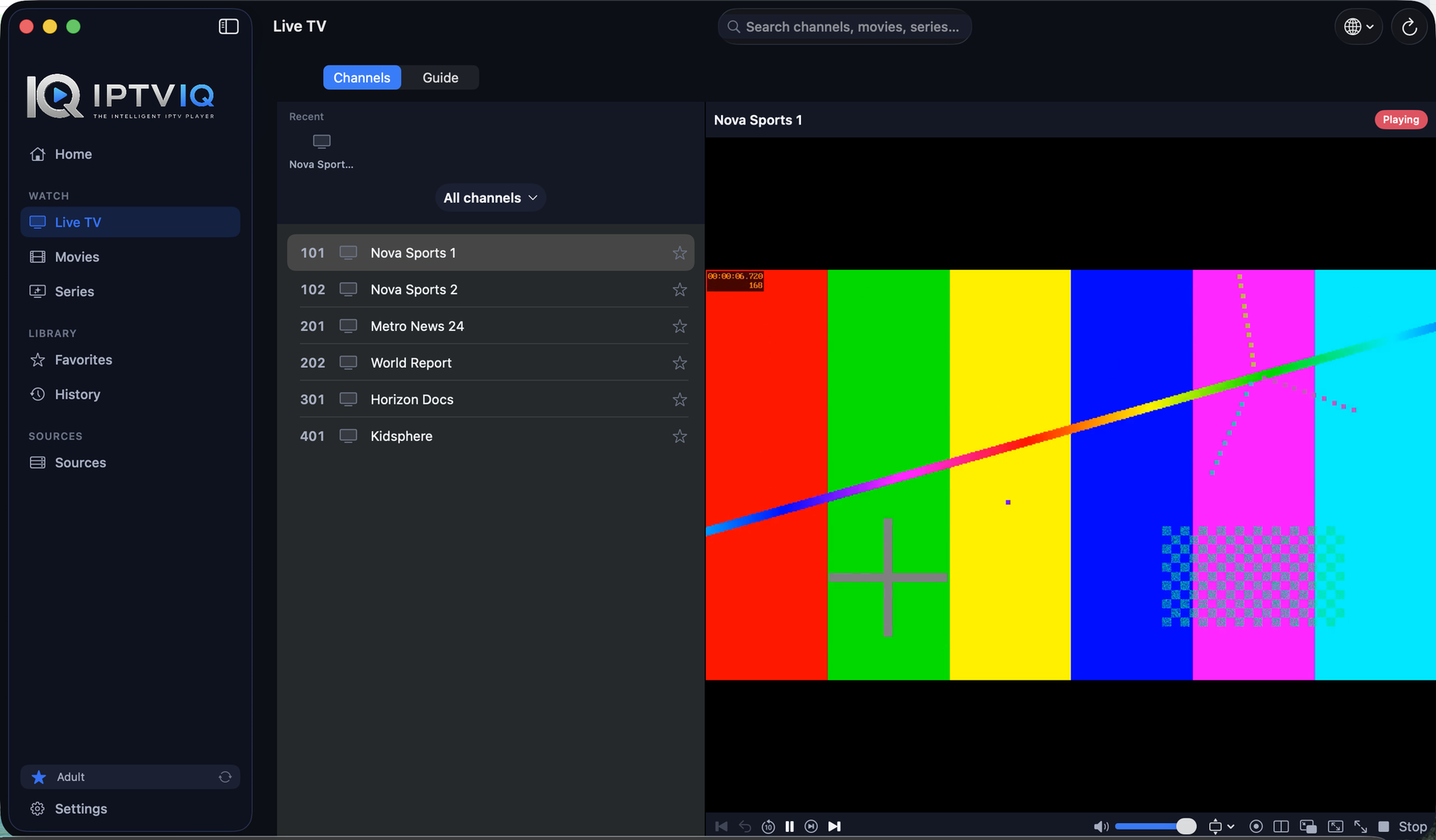
Built for Mac first. Built to travel.
IPTVIQ's native macOS app is available now on the Mac App Store. The same intelligent core is planned to reach the rest of your household's screens next.
macOS
Universal — Apple Silicon & Intel. macOS 14+.
iOS & iPadOS
Planned. No build or date to announce yet.
Windows
Planned. No build or date to announce yet.
Android, Android TV & Apple TV
Phone, tablet, and TV. Planned.
Additional smart-TV platforms (e.g. Samsung, LG) are future candidates under evaluation — not yet a committed platform. Full detail on the Platforms page.
Channel surfing that respects your time.
Category browsing, instant numeric channel entry, Recall for the last channel you watched, and a mini-EPG overlay so you always know what's on without leaving the stream.
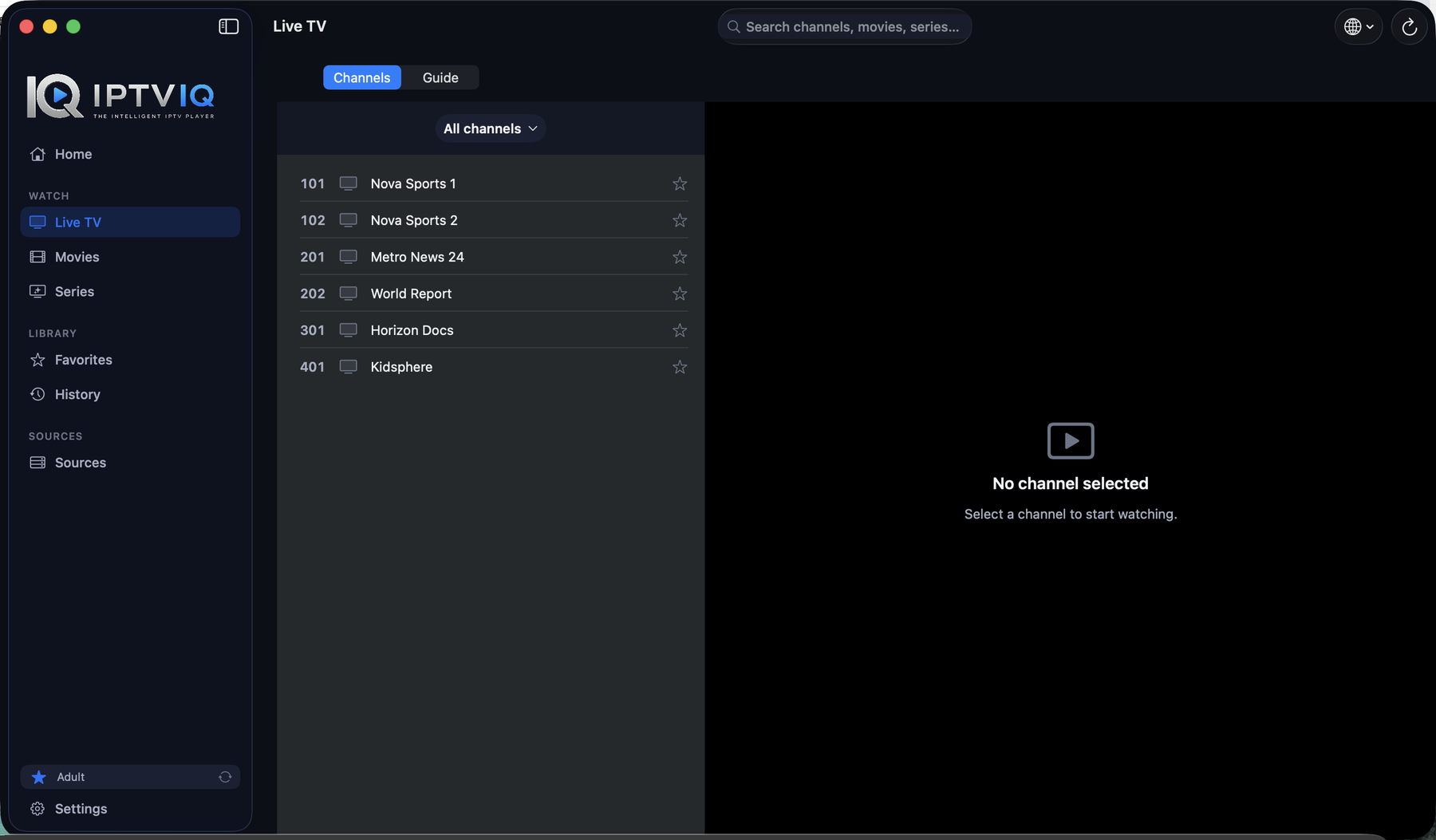
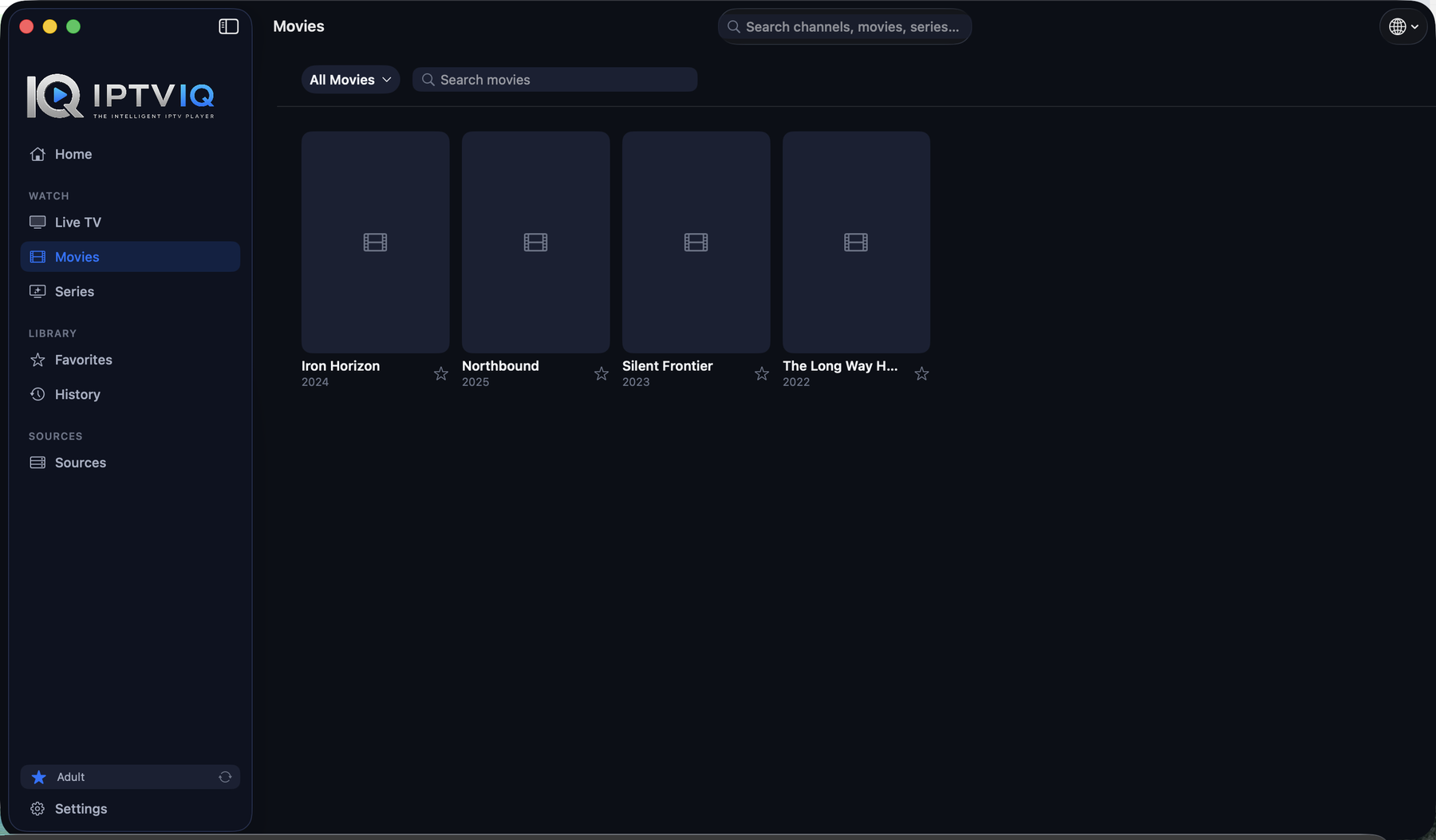
Browse a catalog that remembers where you left off.
Your provider's on-demand library, organized like a real media app — Continue Watching and next-episode hand-off, across Movies and Series alike.
Rewind live TV. Record what you're authorized to keep.
Where your provider supports it, watch a programme from its start or step back through recent broadcasts. Manual DVR recording saves a live stream you already have rights to watch, to a folder you choose.
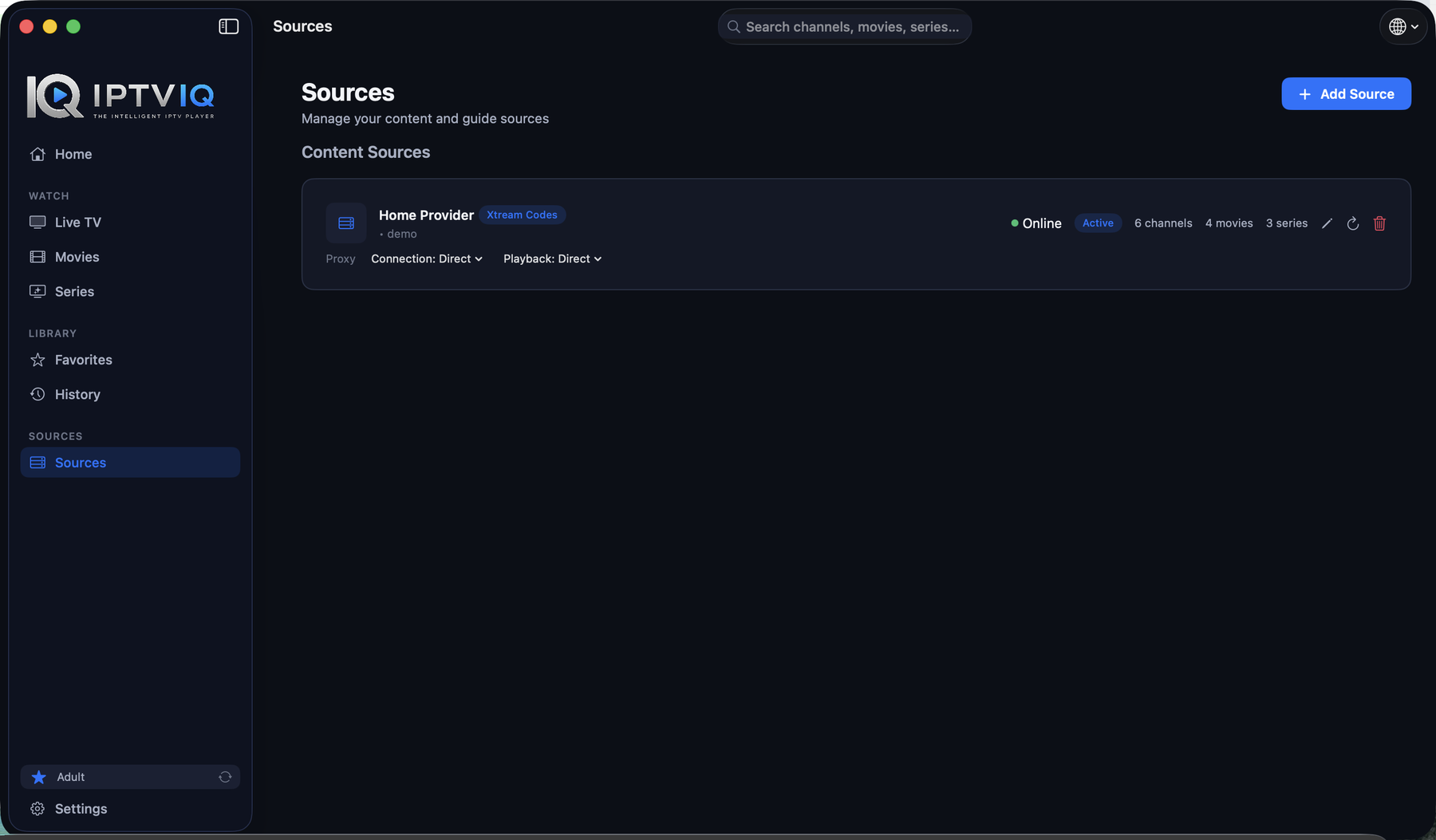
One app, every source you actually use.
Add and switch between Xtream Codes, M3U/M3U8, XMLTV guides, and Stalker/MAG/Ministra portals side by side, each with independent Direct/HTTP/HTTPS/SOCKS5 proxy routing for connection and media traffic.
One household. Separate, private viewing.
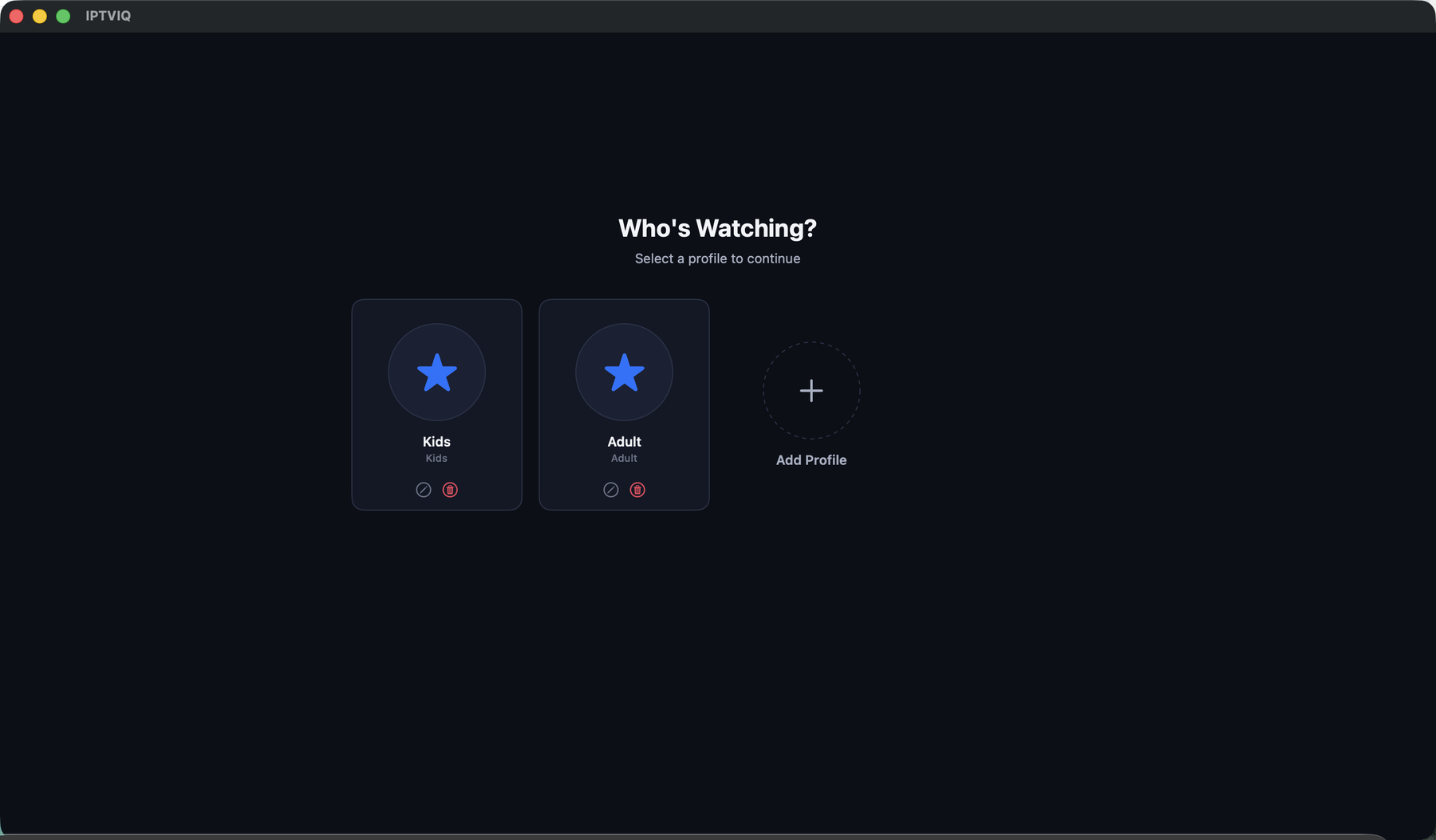
Each family member gets their own profile, history, and favorites. Kids profiles enforce an approved-content-only policy everywhere in the app — Home, Search, Guide, and playback — not just on the surface.
Real resilience. Two streams at once.
A brief connection drop shouldn't end the stream — IPTVIQ's watchdog detects real playback stalls and reconnects automatically. Multiview lets you watch two channels side by side.
More than playback.
Built around how you actually watch.
A basic M3U player opens a stream. IPTVIQ organizes every source you add into one coherent, profile-aware library — with the guide, continuity, and household controls a real media app needs.
| Capability | What it means for you | Status |
|---|---|---|
| Unified Live TV, Movies & Series | One organized library instead of a flat channel dump | Available |
| EPG & mini-guide overlay | Know what's on without leaving the stream | Available |
| Catch-up / watch from start | Step back through recent broadcasts | Provider-dependent |
| Manual DVR recording | Save a stream you're authorized to watch | Available |
| Profiles with Kids restrictions | Separate, age-appropriate viewing per person | Available |
| Smart Recovery | Automatic reconnect after a brief connection drop | Available |
| Multiview (2 streams) | Watch two channels side by side | Available |
| Per-source proxy routing | Direct, HTTP, HTTPS, or SOCKS5 — independently per source | Available |
Full, detailed breakdown on the Features page. "Provider-dependent" means the capability is real and implemented, but whether it works for you depends on what your specific IPTV source supports.
From your source to your screen.
Your authorized source
Xtream account, M3U playlist, XMLTV guide, or Stalker/MAG portal you already have access to.
IPTVIQ imports
Categories, channels, EPG, and VOD metadata are parsed and organized locally.
Organized catalog
Live TV, Guide, Movies, and Series — searchable, favoritable, profile-aware.
Native playback
A resilient player with Smart Recovery, Multiview, and optional DVR.
IPTVIQ never hosts, redistributes, or supplies the content itself at any stage — it organizes and plays what your own source already serves. More diagrams (Live TV → EPG → Catch-up, multi-source browsing, profiles) on the How It Works page.
Compatibility & getting started
IPTVIQ is a media player — not a channel provider.
IPTVIQ does not include, sell, host, or recommend any channel, subscription, or piece of content. It's intended for lawfully accessing content you own, are licensed for, or are otherwise authorized to use. If you don't already have an authorized source, there's nothing for IPTVIQ to play.
Free at launch. No subscriptions. No ads.
No in-app purchases at launch. Future versions may introduce paid features — IPTVIQ isn't promised free forever.