
Everything IPTVIQ does — stated honestly.
Some capabilities work identically for everyone. Some depend on what your specific IPTV provider actually supports. We label both clearly, rather than blur the line the way a lot of IPTV-app marketing does.
| Feature | What it does | Status |
|---|---|---|
| Live TV & channel browsing | Category browsing, numeric channel entry, Recall/Recent Channels | Available |
| EPG & mini-guide overlay | Per-channel guide, plus a mini-EPG overlay during playback | Available |
| Now / Next | Current and upcoming programme info per channel | Available |
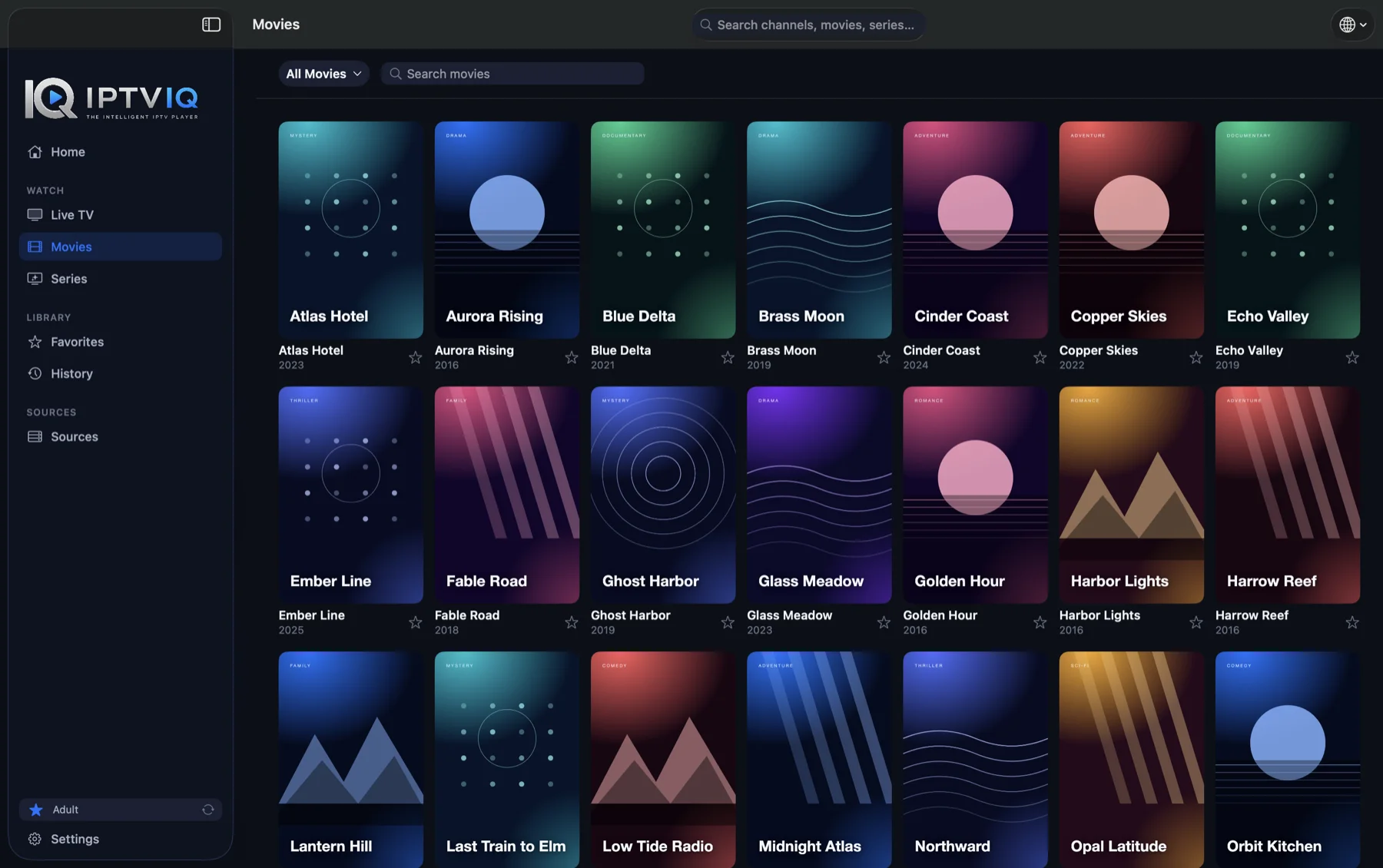
| Movies & Series browsing | Your provider's on-demand catalog, organized by category | Available |
| Continue Watching & next episode | Resume where you left off; jump to the next episode automatically | Available |
| Catch-up / watch from start | Step back through recent broadcasts, or start a programme from its beginning | Provider-dependent |
| DVR — manual recording | Record a live stream you're authorized to watch to a folder you choose | Available |
| Scheduled recording from the guide | On Mac, choose Record Programme on an upcoming or current programme in the guide; IPTVIQ starts and stops the recording at the programme's times | Available |
| Pause & rewind live TV | On Mac, pause and rewind a live channel (Premium) | Available |
| Xtream Codes sources | Xtream-compatible panel/API accounts | Available |
| M3U / M3U8 playlists | Remote or local playlist files | Available |
| XMLTV guides | Remote or local guide files | Available |
| Stalker / MAG / Ministra portals | MAC-address–based portal sources | Available |
| Multiple sources side by side | Add and switch between several sources of any supported type | Available |
| Per-source proxy | Direct, HTTP, HTTPS or SOCKS5, set per source. Encrypted (HTTPS) video streams may bypass an HTTPS or SOCKS5 proxy, so do not rely on a proxy to hide video traffic. | Limited |
| Favorites & History | Save channels/titles and track what you've watched, per profile | Available |
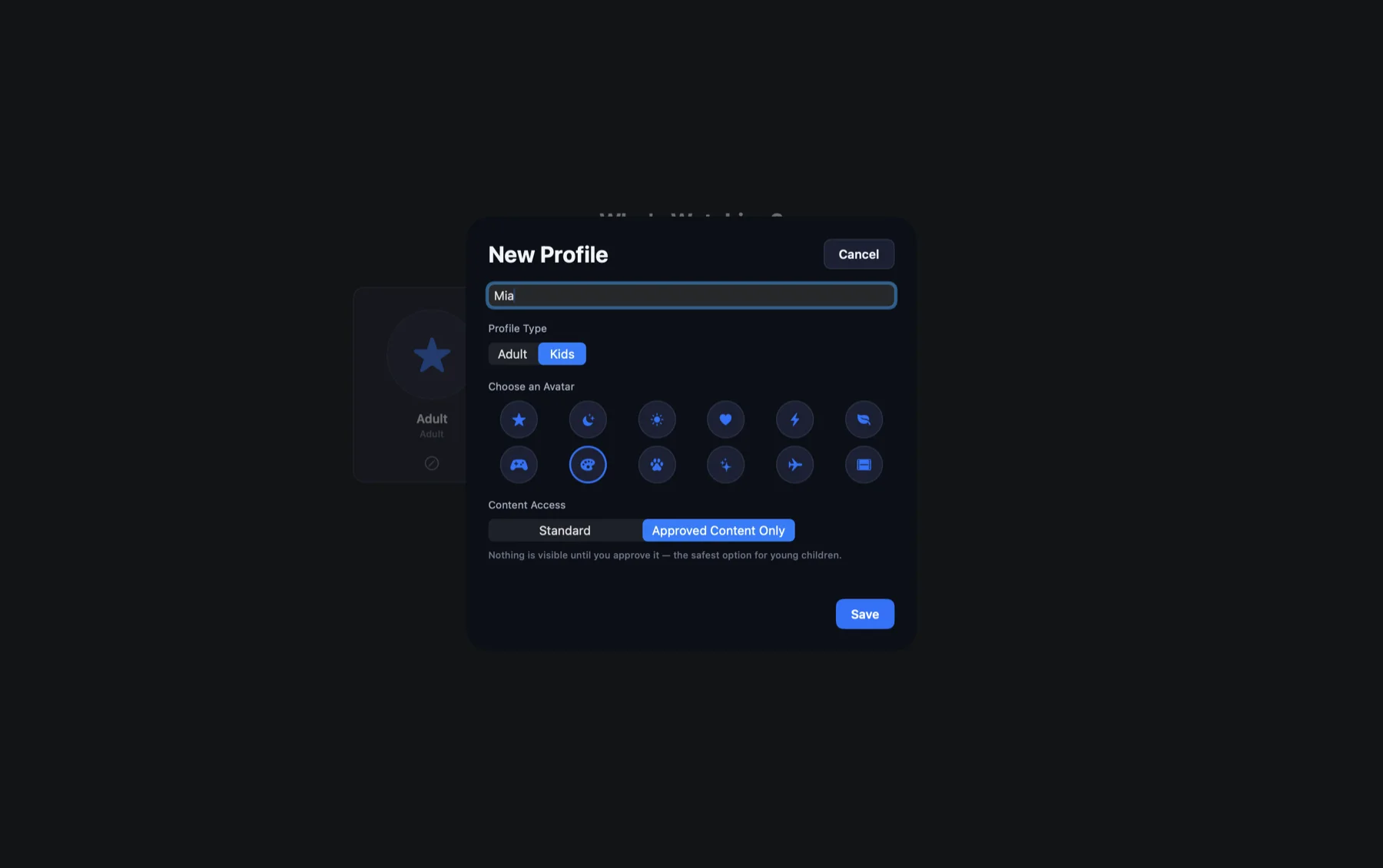
| Profiles | Separate profile per household member, with its own history and favorites | Available |
| Kids restrictions | Approved-content-only enforcement across Home, Search, Guide, and playback | Available |
| Global search | Search across your imported catalog | Available |
| Smart Recovery | Automatic reconnect after a brief connection drop, via deterministic watchdog logic | Available |
| Multiview (2 streams) | Watch two channels side by side | Available |
| Floating Player | A resizable, always-on-top playback window (not macOS system Picture-in-Picture) | Available |
Provider-dependent means the capability is real and implemented in IPTVIQ, but whether it actually works for you depends on what your specific IPTV source supports — IPTVIQ never fabricates a catch-up archive or guide data a provider doesn't actually offer. Planned means it's on the roadmap but not implemented yet.
Built around how you actually watch.
A basic M3U player opens a stream and stops there. IPTVIQ organizes every source you add into one coherent library, keeps track of where you are across Movies and Series, and applies household-aware rules everywhere — not just claims to.
One organized library, not a channel dump
Xtream, M3U, XMLTV, and Stalker sources all land in the same categorized Live TV, Movies, and Series views — you stop thinking in terms of "which app for which source."
Profile-aware, not just profile-labeled
Kids restrictions are enforced at every entry point — Home, Search, Guide, and direct playback — not only on a dashboard the rest of the app ignores.