
IPTVIQ for iPhone Duo.
An IPTV player that unfolds with your phone.
Watch IPTV on iPhone Duo with the sources you already have. IPTVIQ uses a phone layout on the outer screen and a larger layout on the inner screen when you unfold, and Full Screen video adapts to the screen you are using.
The iPhone app from the shared IPTVIQ App Store listing — not a separate app, nothing extra to buy. IPTVIQ does not include, sell or supply any channel, playlist or subscription.
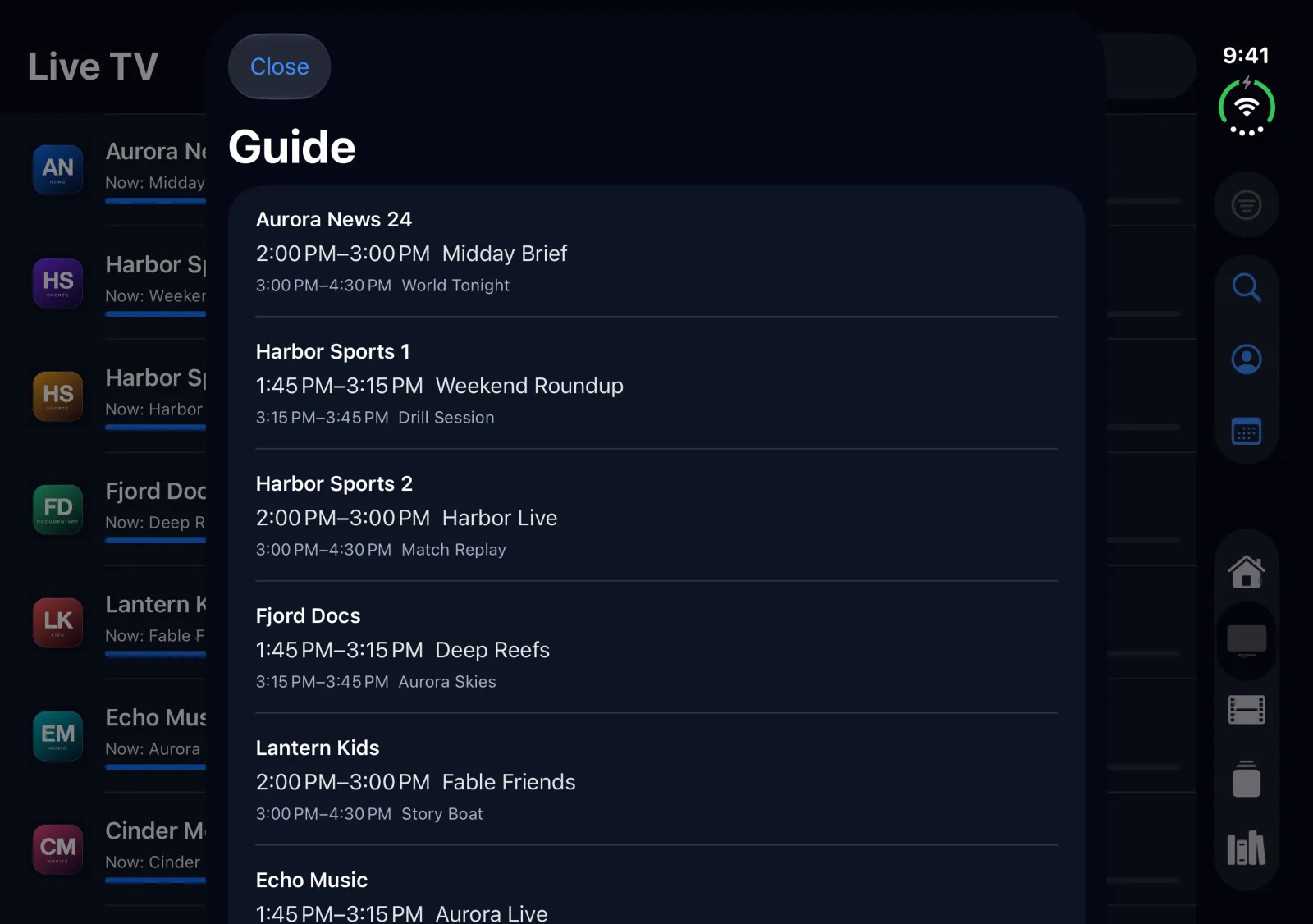
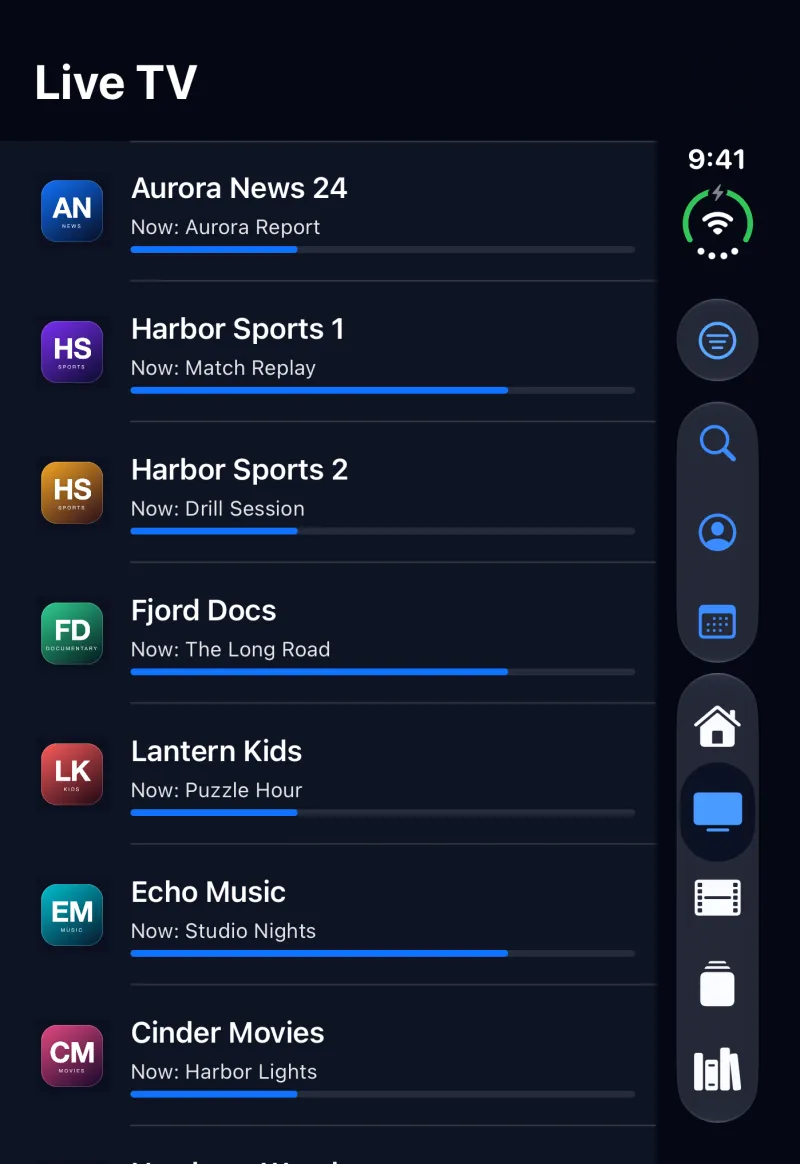
Outer screen and inner screen.
The outer screen: a complete phone app.
Closed, IPTVIQ works like it does on any iPhone: Home, Live TV, Movies, Series, profiles and the Parental PIN, with nothing clipped. Full Screen video plays in landscape on the outer screen.
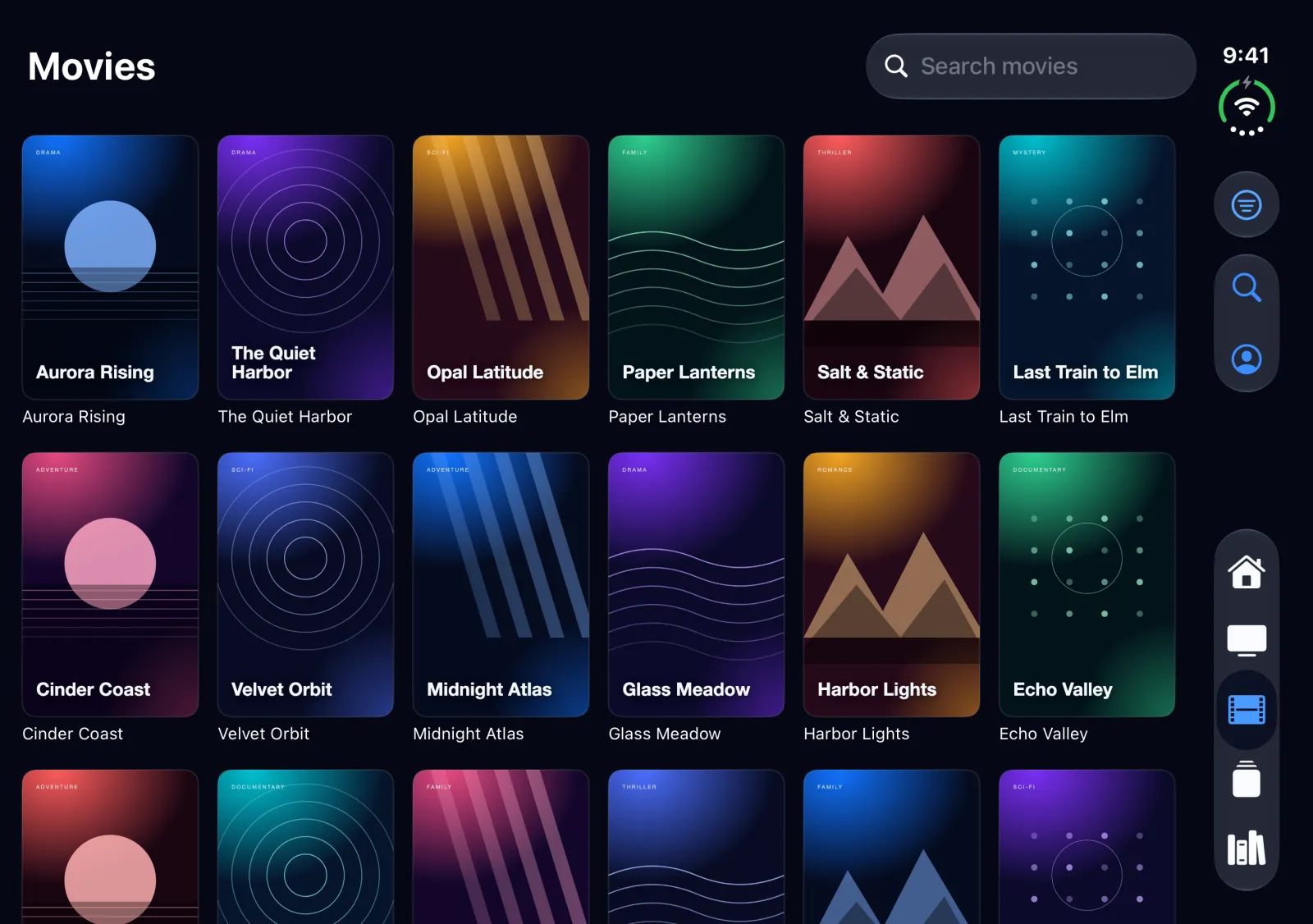
The inner screen: room for more.
Unfold and IPTVIQ switches to its larger layout: six-column poster grids for Movies and Series, a side tab bar, and the guide alongside your channels. Because the inner screen is large, Full Screen is not forced into landscape — it plays in the orientation you hold it.
Closed, open or partly open.
IPTVIQ picks its layout from the screen you are using, so it fits however you hold iPhone Duo.
| Posture | Browsing (Home, Live, Movies, Series) | Full Screen video |
|---|---|---|
| Closed, portrait (outer screen) | Phone layout, nothing clipped | Plays in landscape; Fit and Fill; controls reachable |
| Closed, landscape (outer screen) | Phone layout | Landscape; Fit and Fill; controls reachable |
| Open, landscape (inner screen) | Larger layout, six-column grids, side tab bar | Not forced to rotate; Fit and Fill; controls reachable |
| Open, portrait (inner screen) | Larger layout | Stays in portrait; Fit letterboxes, Fill covers |
| Partly open (tabletop) | Content kept clear of the fold | Not forced to rotate; letterboxed |
Folding and unfolding during playback
Fold or unfold iPhone Duo while a video plays in Full Screen: playback keeps going and the layout follows the new posture. On the outer screen, Full Screen always plays in landscape.
IPTV on iPhone Duo.
Is IPTVIQ a separate app for iPhone Duo?
No. iPhone Duo uses the IPTVIQ iPhone app from the same App Store listing as iPhone, iPad, Mac, Apple TV and Apple Vision Pro. There is nothing extra to buy.
Which iPhone Duo screens does IPTVIQ support?
Both. Folded, IPTVIQ uses its phone layout on the outer screen; unfolded, it switches to its larger layout on the inner screen, including when iPhone Duo is partly open on a table. It needs iOS 17 or later.
Which sources can I use?
An Xtream Codes login or an M3U/M3U8 playlist link from a provider you are authorized to use. IPTVIQ does not include, sell or supply any channel, playlist or subscription.
What does it cost?
Free for one source; optional Premium subscription — Single, Family or Family Plus. The price for your country is shown in the App Store.
More: the iPhone page, the iPad page, Compatibility and Support.